PodHost.ai: Upgrading to GPT-Live
I used PodHost.ai as a proof of concept for OpenAI's latest voice model, GPT-Live 1. The voices improved a lot. Getting a natural podcast flow still meant teaching the host when not to talk.
 Shawn Roller
November 13, 2026
ProductivityGuideSuccess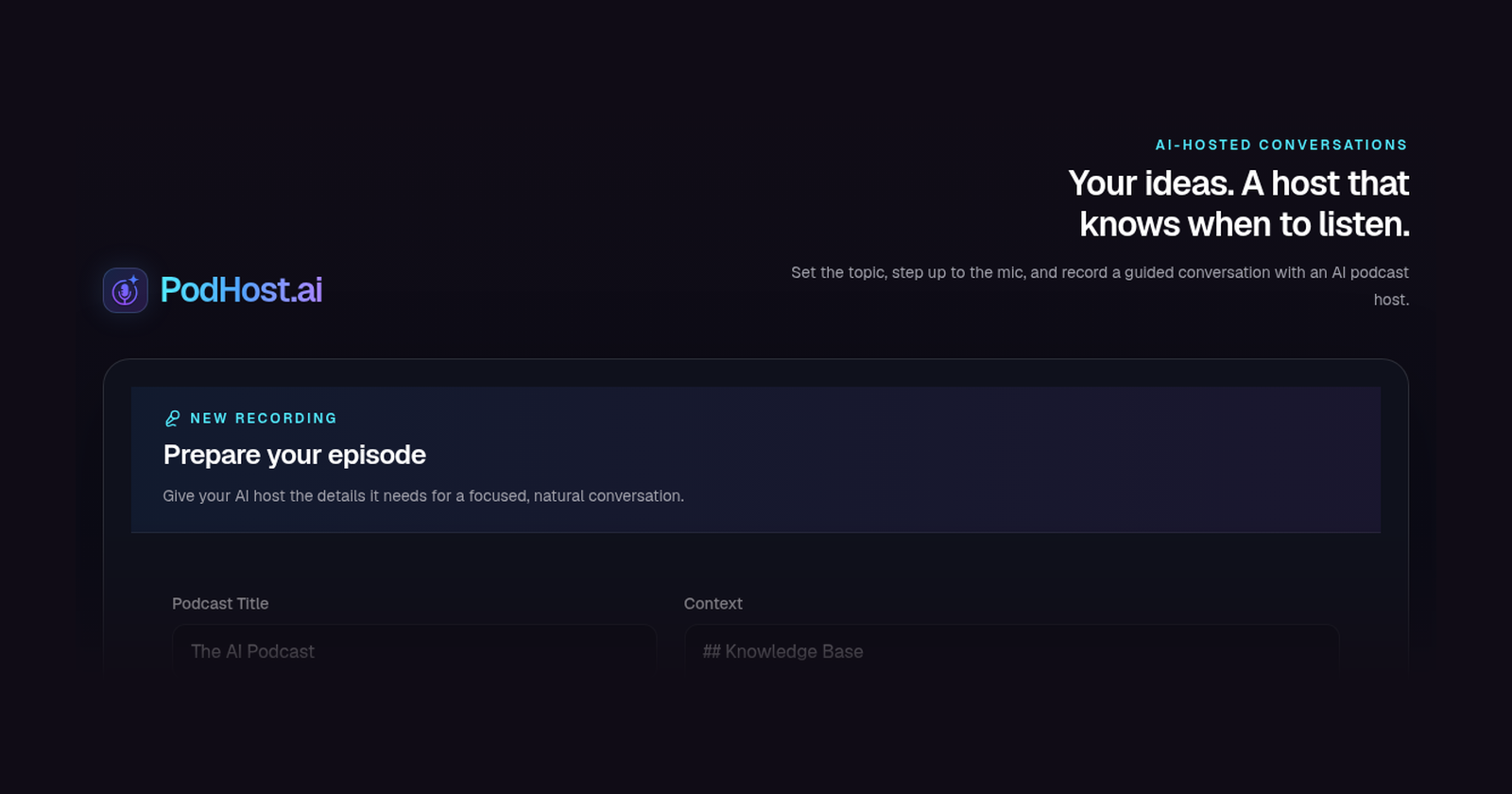
When OpenAI released GPT-Live 1, I already had a place to try it. PodHost.ai is a small web app I built last year to record a podcast with an AI host. The first version was how I learned the Realtime API, and I wrote about that in PodHost.ai: An Experiment.
This is not a recap of that post. It is about what changed when I moved the project onto the latest voice model, and what I would tell a team that is thinking about putting real-time voice into a product.
PodHost was a good fit for the test. It already had a real conversation shape: a guest who needs room to talk, a host that should listen, and a recording you can take with you. If a voice model is going to feel natural anywhere, it should feel natural there.
What changed
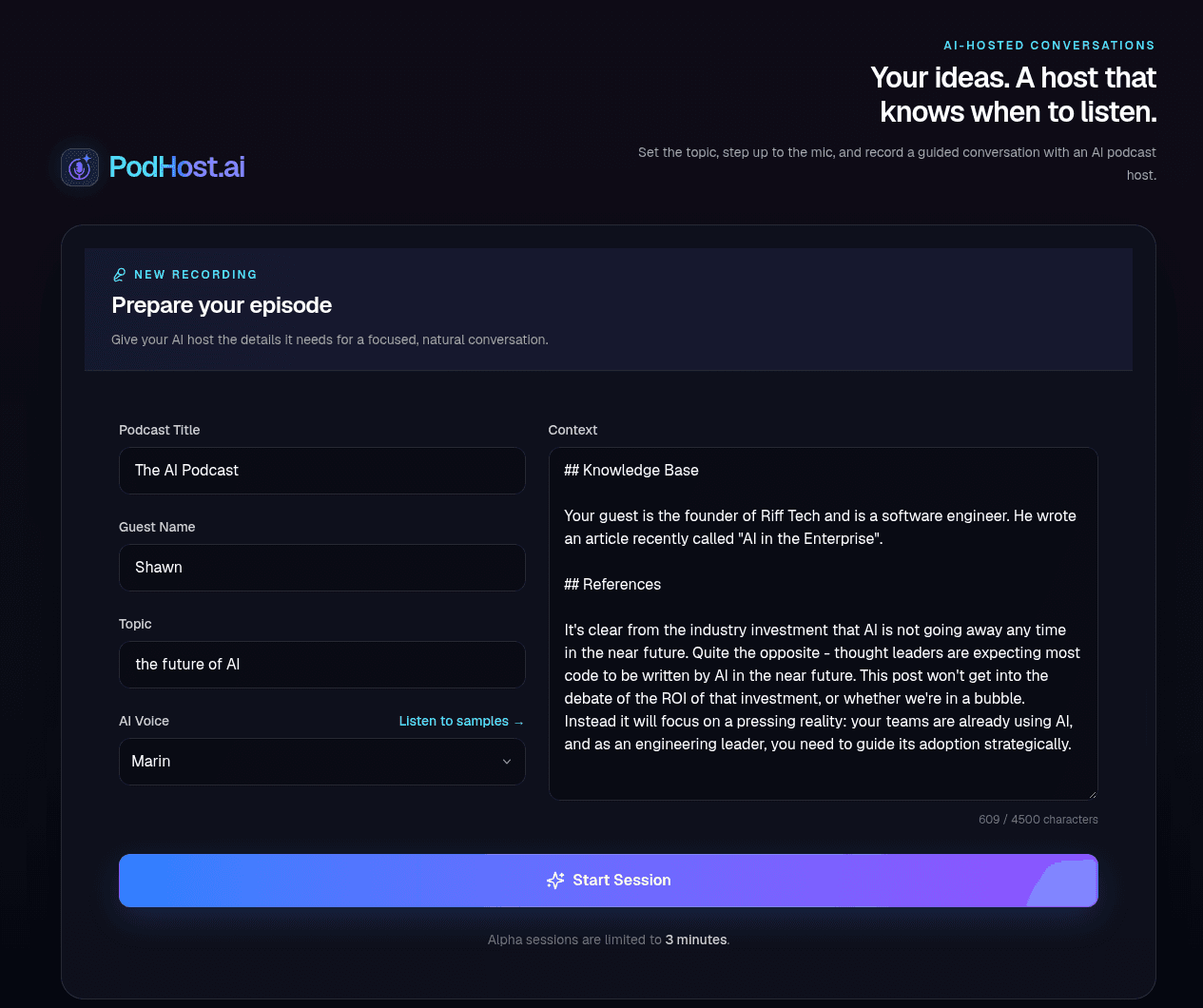
The new version runs on OpenAI's GPT-Live API, with the model pinned to gpt-live-1 on the server. The browser still talks over WebRTC. The difference is that the app server now creates the live session itself, so the API key and the model choice never leave the server.
I also redesigned the episode setup and the session controls for desktop and phone. The live session now leads with one primary control: Hold Reply, which becomes Respond now when you are ready for the host to talk.
Two other changes matter for the conversation itself. The host can listen and speak at the same time, so you can interrupt it. And I stopped automatically muting the microphone while the AI was talking. The first version needed that to avoid feedback, but it also blocked a natural back and forth.
The voices are better. That part is not subtle. GPT-Live 1 sounds more like a person you would actually put on a recording.
The turn-taking is still the hard part.
A host that can listen without answering
A podcast is not a support call. The guest often needs a long stretch of uninterrupted time, while the host keeps listening so the next question is actually about what was just said.
I had a version of this control in the first app, and I still needed it. GPT-Live does not give you a simple switch that says "keep listening, but do not respond." Hold Reply is something the app has to enforce.
When you tap it, two things happen at once. The app immediately mutes the host's playback, and keeps that audio out of the recording, so nothing leaks into the take. It also tells the model to enter a hold mode: stop speaking, do not acknowledge, and keep listening so it retains the context. The microphone stays live. That is the point.
The host is still eager to jump in
GPT-Live 1 has built-in turn detection. It tries to decide, from the meaning of what you just said, whether you are done. That is an improvement over waiting for a fixed stretch of silence. In a podcast, it is still a bit unnatural, because the model is eager to reply.
A pause while you think, or a sentence that sounds complete before you are actually finished, is often enough for the host to start talking. For a product demo, that might be fine. For a recorded conversation, it breaks the flow.
So I added an explicit trigger. When you tap Respond now, the app tells the model to leave hold mode, then sends a follow-up that says, in effect: the guest is done, answer their latest complete thought, give one natural host response, and continue. The model already heard everything. It just needed to be told it was time.
If you are building a real-time voice feature, I would design for this early. Semantic turn detection is useful. It is not a substitute for a way to say "not yet" and a way to say "now."
What is ready, and what is still rough
The voice quality is in a place I would put in front of a customer. Full-duplex conversation works. Interruptions work. The listen-without-responding pattern works, as long as you are willing to build it yourself. Recording still happens in the browser, mixed locally, and downloads in whatever format the browser supports.
A few things are still rough, and I would not hide that. Sessions on podhost.ai are still capped at three minutes, which is fine for a proof of concept and not fine for a real episode. The host still sometimes wants to talk sooner than a human would. Hold Reply and Respond now fix that, but they are a manual rhythm. A polished product would probably want more reliable defaults, with the manual trigger as a backup.
I also would not drop a voice model into a product and assume the conversation logic comes for free. The model is the voice. The product still has to decide when that voice is allowed to speak.
Where this actually makes sense
Real-time voice is a good fit when the conversation is the product, or a core part of it: a guided recording, a live interview, a hands-free walkthrough, a support call where people talk over each other. It is a weaker fit when you just need a voiceover, or when a form or a chat transcript would do the same job with less complexity.
If you are an engineering lead evaluating this, budget time for turn-taking, not just for hooking up the API. The new models are better enough that the remaining work is product design: when to listen, when to speak, and how the user recovers when the model guesses wrong.
That is the kind of work we do at Riff Tech when a team wants to own a voice or conversation feature instead of bolting a demo onto the side of an existing product. If you want to hear the current version yourself, try PodHost.ai. And if you want the original write-up of how this started, it is here.